








55503059
Grundkurs/Basics
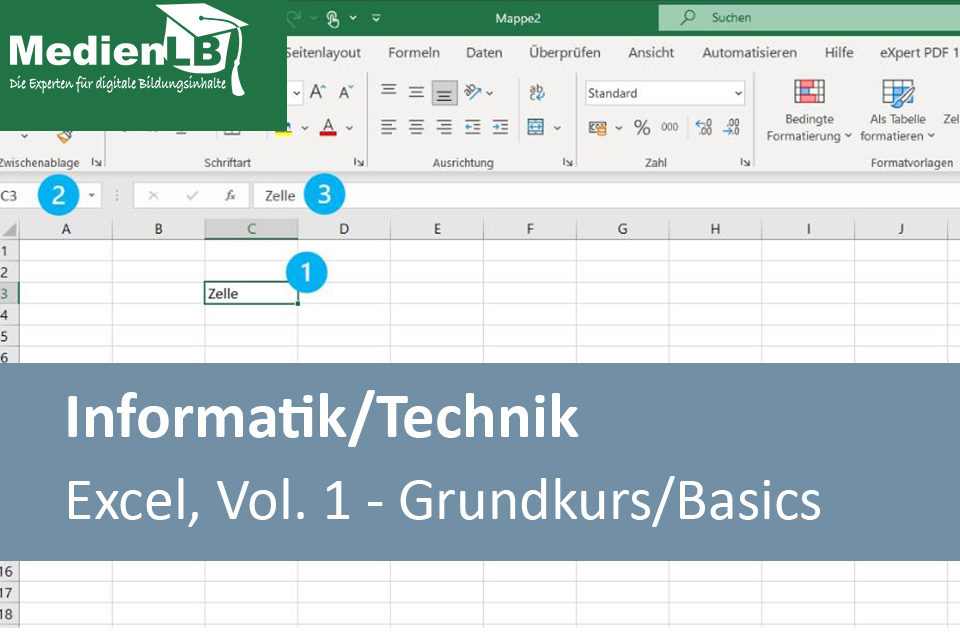
In unserem Arbeitsheft Tabellenkalkulationsprogramm Excel, Vol. 1 finden Sie 50 interaktive und didaktisch aufbereitete Aufgaben.
Das Medium bietet H5P-Aufgaben an, die ohne zusätzliche Software verwendbar sind. Das Medium enthält interaktive Videos und 50 H5P-Aufgaben zum Thema Excel.
Durch interaktive Aufgabentypen wird das audiovisuelle und interaktive Lernen einfach.
Lernen macht jetzt Spaß!
- <> Languages: DE
- <> Target Groups: Sek I
- <> Subject: Technology
- <> Tasks: 50
Licenses
Included Tasks
- 1. Excel: Der Startbildschirm
- 2. Excel: Einen Kalender aus einer Vorlage erstellen
- 3. Excel: Schnelldruck - eine kurze Einführung
- 4. Excel: Eine Telefonliste erstellen
- 5. Excel: Telefonliste als Tabelle formatieren
- 6. Excel: Vorhandene Tabelle erweitern
- 7. Excel: Die Elemente des Excel-Fensters auf einen Blick
- 8. Excel: Das Menüband
- 9. Excel: Register und Befehle über Tastatur aufrufen
- 10. Excel: Arbeitsmappe mit Tastaturbefehlen speichern
- 11. Excel: Übung 1: Kennwortschutz mit Tastaturbefehlen aufheben
- 12. Excel: Die Symbolleiste für den Schnellzugriff
- 13. Excel: Bildschirmanzeige und Ansichten
- 14. Excel: Ansichten
- 15. Excel: Microsoft-Konto und Kontoeinstellungen
- 16. Excel: Titelleiste und Menüband anpassen
- 17. Excel: Gitternetzlinien
- Nummerierungen und Bearbeitungsleiste
- 18. Excel: Bildschirmtastatur und Stifteingabe aktivieren
- 19. Excel: Optionen für weitere Einstellungen
- 20. Excel: Die Excel-Hilfe
- 21. Excel: Eine Arbeitsmappe erstellen
- 22. Excel: Eine Arbeitsmappe speichern
- 23. Excel: Schreibschutz für eine Arbeitsmappe
- 24. Excel: Schreibschutz für eine Arbeitsmappe aufheben
- 25. Excel: Arbeitsmappe als PDF speichern
- 26. Excel: Arbeitsmappe mit Kennwort schützen
- 27. Excel: Arbeitsmappe öffnen und Kennwort-Schutz aufheben
- 28. Excel: Übung 2: Arbeitsmappe mit Kennwort schützen
- 29. Excel - Mauszeiger im Erklärvideo
- 30. Excel: Übung 3: Verschiedene Mauszeiger anwenden
- 31. Excel: Zellen und Zellbereiche markieren
- 32. Excel: Zellen in Tabellen markieren
- 33. Excel: Eingaben in Zellen
- 34. Excel: Besonderheiten beim Eingeben von Zahlen
- 35. Excel: Übung 4: Darstellung von Zahleneingaben
- 36. Excel: Eingaben in Zellen bearbeiten
- 37. Excel: Inhalte und Formate in Zellen löschen
- 38. Excel: Inhalte in Tabellen bearbeiten/löschen
- 39. Excel: Datumsformate eingeben
- 40. Excel: Uhrzeiten eingeben
- 41. Excel: Übung 5: Darstellung von Datums-/Zeitangaben
- 42. Excel: Erste Shortcuts (Tastenkombinationen)
- 43. Excel: Übung 6: Mit Shortcuts arbeiten
- 44. Excel: Schrift in Zellen formatieren
- 45. Excel: Farben für Schrift und Zellen
- 46. Excel: Zellformate übertragen
- 47. Excel: Tabellenspalten/-zeilen verschieben
- 48. Excel: Übung 7: Spalten in Tabellen verschieben
- 49. Excel: Übung 8: Aktuelles Datum und Uhrzeit per Shortcuts
- 50. Excel: Übung 9: Shortcuts zuordnen
Curriculum-centred and oriented towards educational standards
Matching

Bionics
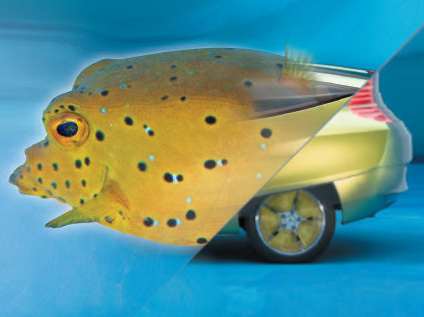
Humanity’s achievements in engineering have always been admired. This applies to antiquity’s Seven Wonders of the World as well as to the architectural masterpieces of modern times, such as the Eiffel Tower. The ideas of architects, physicians, mathematicians, chemists, engineers and technicians often have their origins in nature. Nature offers a huge reservoir of materials, which have proven their worth by permanent adaptation over millions of years. However, scientists do not just try to copy nature but strive to understand its principles and constructions and make them technically applicable in a modified way. Biology and technology have merged to the scientific discipline of BIONICS. Why can birds and insects fly? How do creatures live in the water without getting wet? Why is the blue morpho butterfly bright blue without the help of a colorant? Why is the lotus leaf always clean? Which building materials are there in nature? These and many more questions are answered in this DVD! Furthermore, the film gives a detailed illustration of how science implements and reconstructs nature’s ideas and makes them usable for us.

Blogging
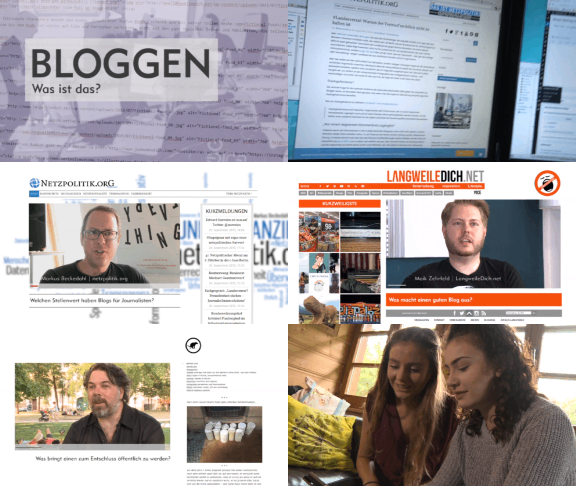
The weblog or blog, for short, as a medium is not much older than this century. Blogs came into being in the World Wide Web as ’messages from below’, as web pages from web creators who wanted to share their view of the world with the world. They are short notes, long texts, pictures, videos, which are posted loosely and at random intervals to the world for an undefined public.


Artificial Intelligence
Intelligent machines not only carry out predefined work steps but also learn from experience thus developing their own problem solving strategies. In addition, they can pass on their knowledge to other machines and interact with them. Artificial intelligence is pure software which, combined with various sensors, takes further decisions from the data thus obtained. Artificial intelligences have already conquered our everyday lives. When we have bought something online, an artificial intelligence could have ensured that we receive the ordered product on time. Because in many large companies machine brains help with logistics, accounting and customer service. Even at the doctor’s or in hospital we may come across artificial intelligence. Because sometimes it assists physicians with the diagnosis of diseases or in selecting an appropriate therapy. An AI can also be helpful in prognosticating the chances of recovery.